Tavern: Server backups
written 11 /11/2022For emergencies of any kind, it is important to have one or more backups of your server. This way you can save self-built structures or secure a stable server before you start experimenting.
1. Where your backups are
In the menu of the tavern you will find the entry "servers". Click on it
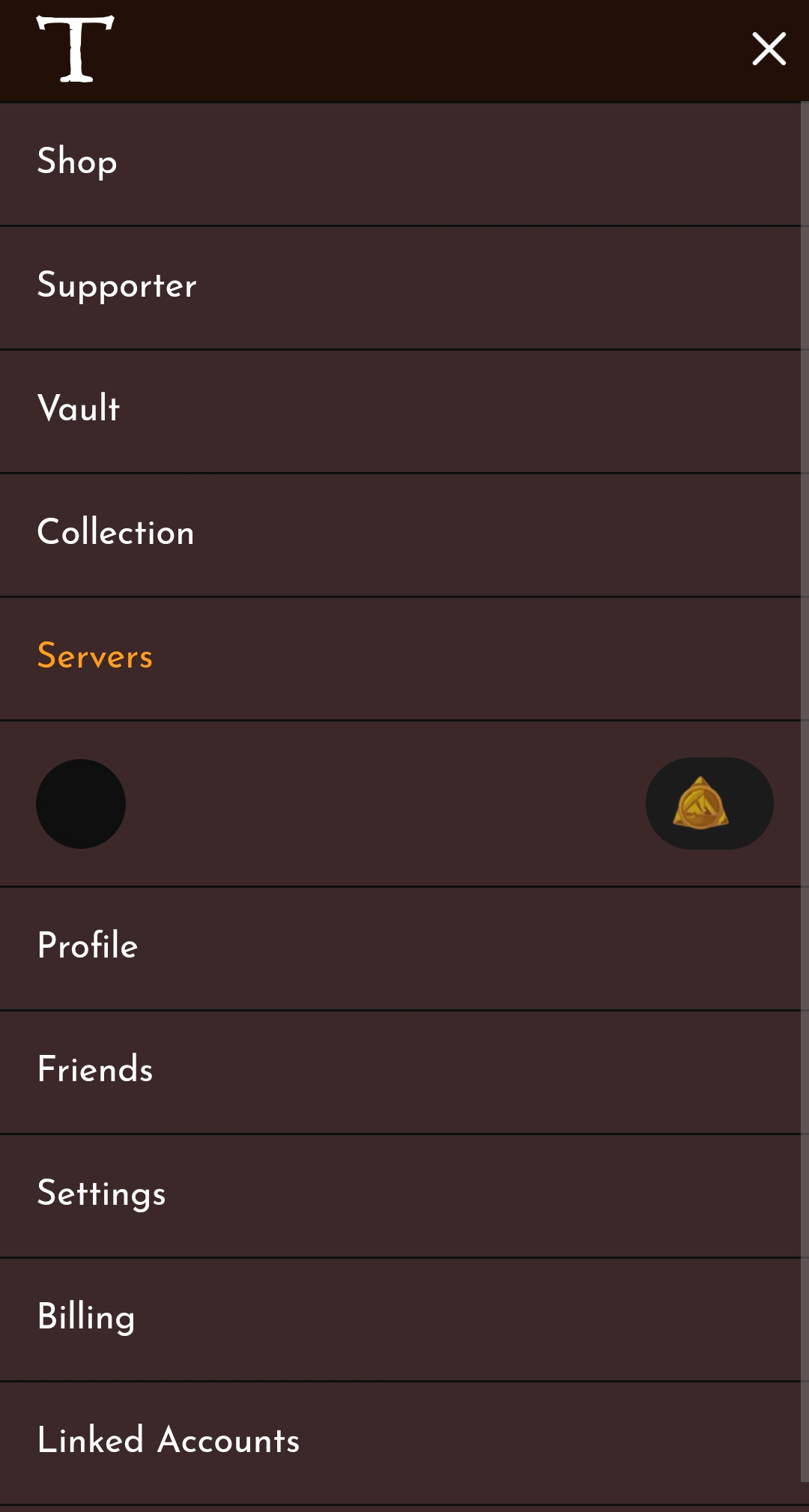
You land in the overview of the server administration. Here you can see your visited servers, discover new ones and, above all, manage your own servers! Scroll through the tab "your servers" to find your server or use the filter and enter the name of your server.

Once you have clicked on your server, you will be taken to its overview. You can read how to manage your own users and make settings on the server in the other tutorials. But for now we want to go to your backups and click directly on "MANAGE SERVER" at the top right. This button only appears for you if you have the appropriate rights.

This is the administrative centre of your server.
Please click on the tab "World Saves" to get to your backups.
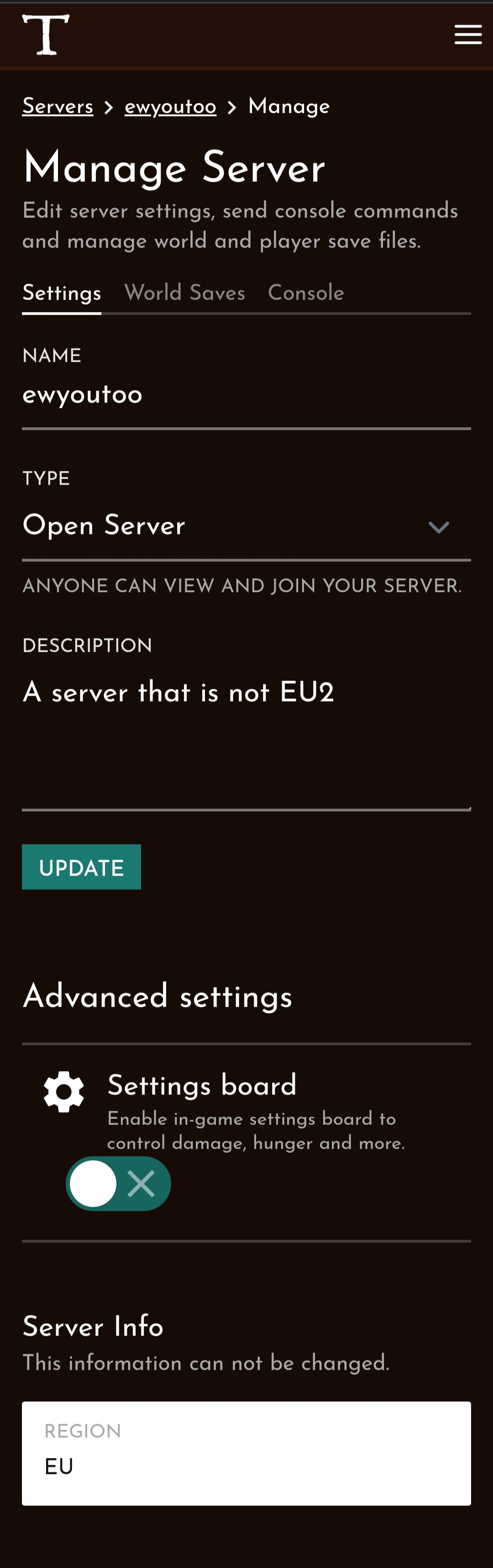
You can manage your backups here under "World Saves". You will find the button with the floppy disc and a list of your backups below it. At the beginning, of course, you don't have any and the list is empty.

2. Create a backup
To create a current backup, your server does not have to be online. Simply click on the three dots behind "Current Save" and a menu will open.
Click on "SAVE WORLD".
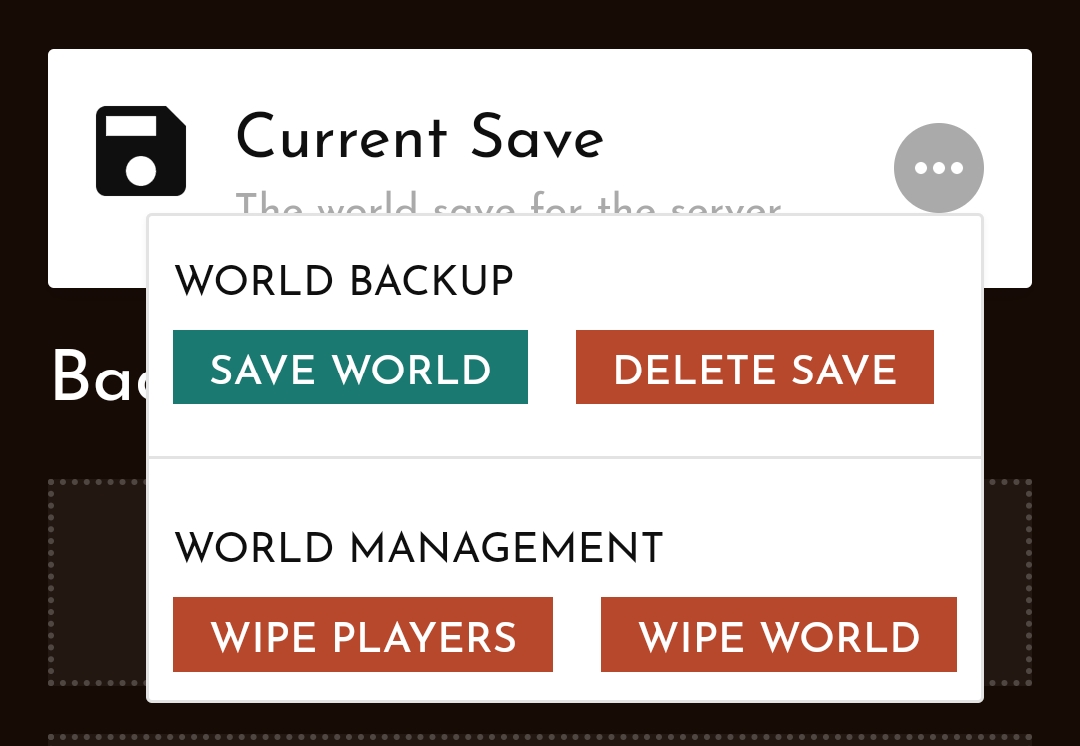
Now you can enter a name for your backup. Preferably a name that helps you remember what exactly you wanted to back up. Then confirm your entry and a backup will be created. You can store up to 5 backups.
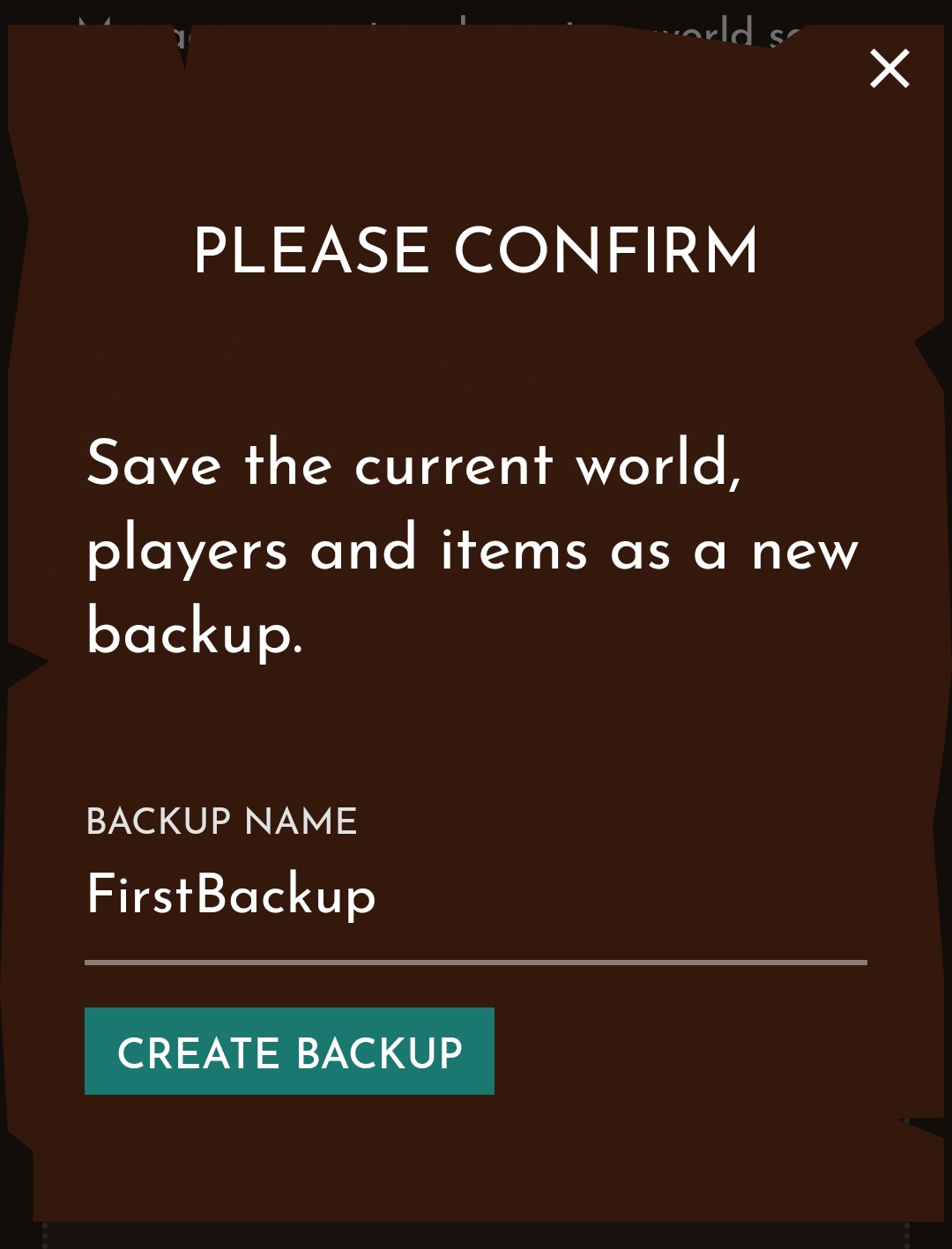
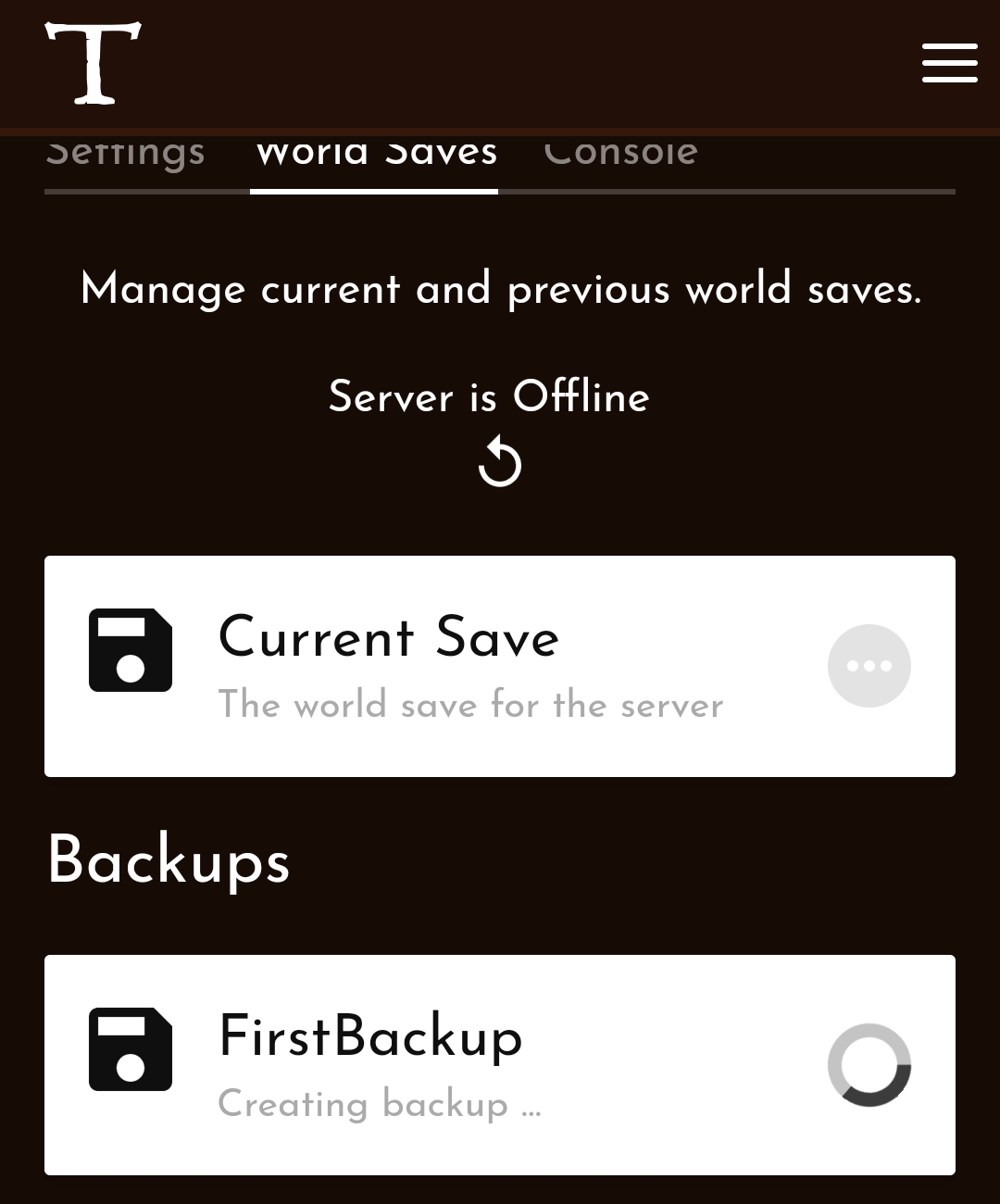
It may take a few minutes to create. You can see that the service is still busy by the rotating icon in your new entry.
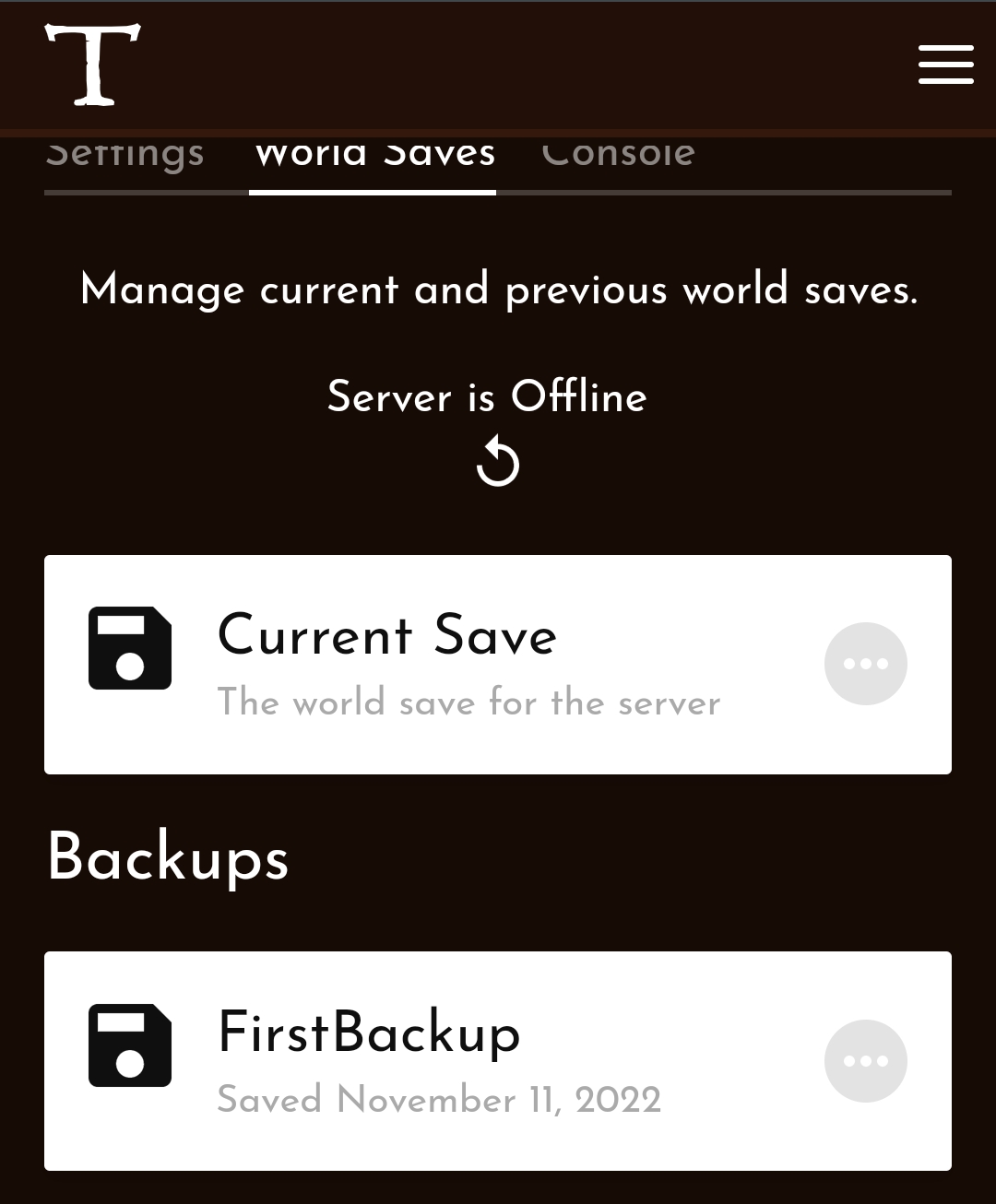
Your backup is ready for use as soon as it shows a button with three dots. From now on you can continue to work on your server or play with the good conscience of having a backup!
3. Restore your backup
The emergency has now occurred!
Your server is down and nothing works anymore. Too bad, but you were smart enough to make a backup. At least you won't lose all your progress.
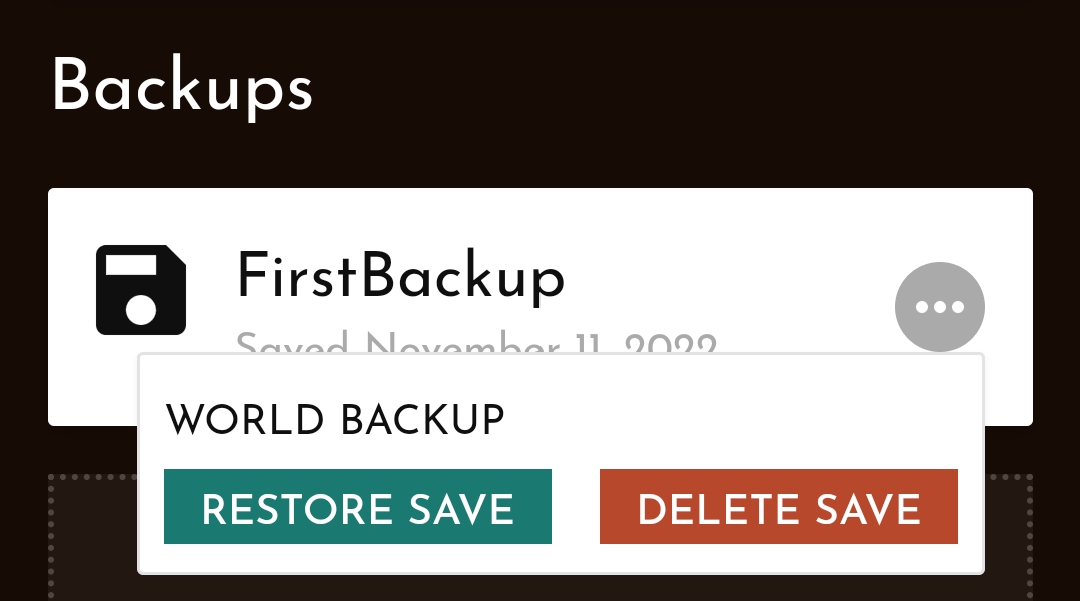
Navigate to your backups and click on the three dots. A menu opens and you can restore your server to this state!